
PDF Pattern Assembly Error Lab — Free Tile Audit Worksheets
A near-matching curve is only one clue. Work through eight original digital cases to check page identity, orientation, overlap and revision consistency before taping a PDF sewing pattern.
These simplified pages and revisions are fictional teaching examples. No garment, printer or fabric sample was tested. Follow your own pattern designer's instructions for actual assembly.
Free tile inventory and assembly audit
The four-page worksheet provides blank records, two fictional practice cases and their reasoning. Record one file version, inventory every required page identifier, and preserve unresolved questions.
Download the A4 PDF · Download the US Letter PDF · Download both PDFs and lesson notes
These are educational records, not a garment pattern or calibrated ruler.
01. Start with the page map
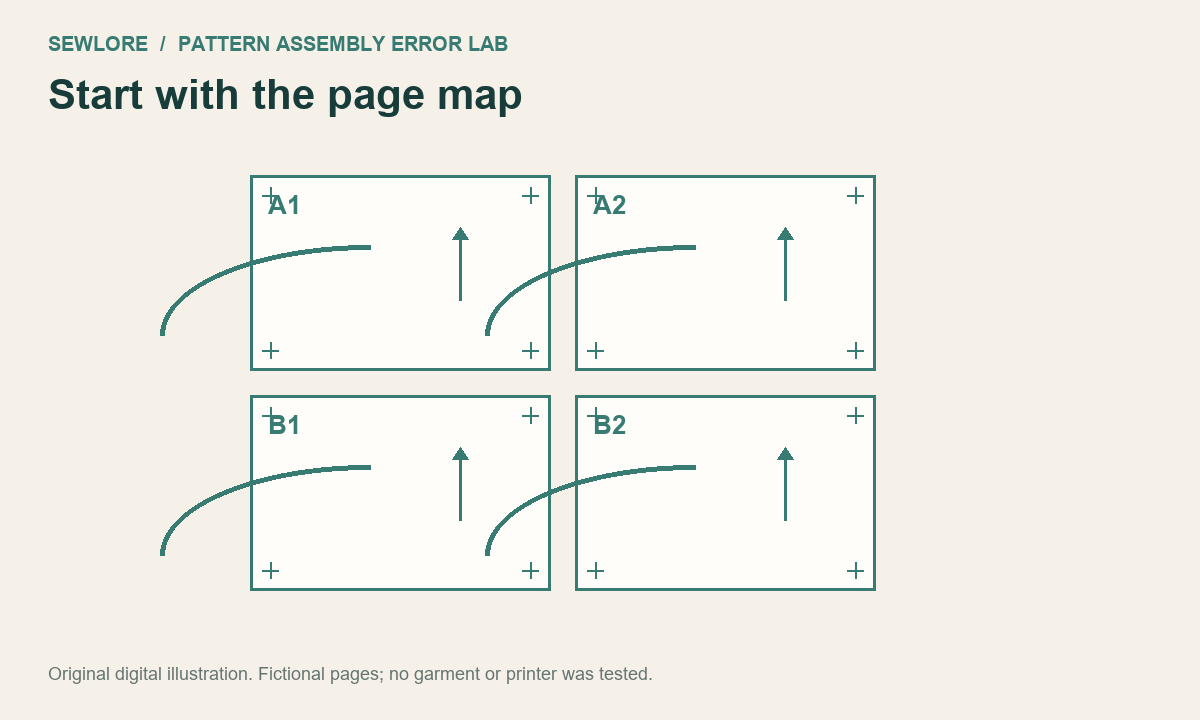
What evidence tells you which pages belong together?
Use the designer's page map and page identifiers before matching a curve. Record the pattern name, version, size/layer and page range. Similar-looking lines can appear on different pattern pieces. In this fictional four-page map, the rows are A1-A2 and B1-B2.
Next check: Inventory every required page once. Confirm the orientation and version before taping.
Reveal the reasoning
The page map and identifiers, not a near-match in the outline.
02. One page is rotated
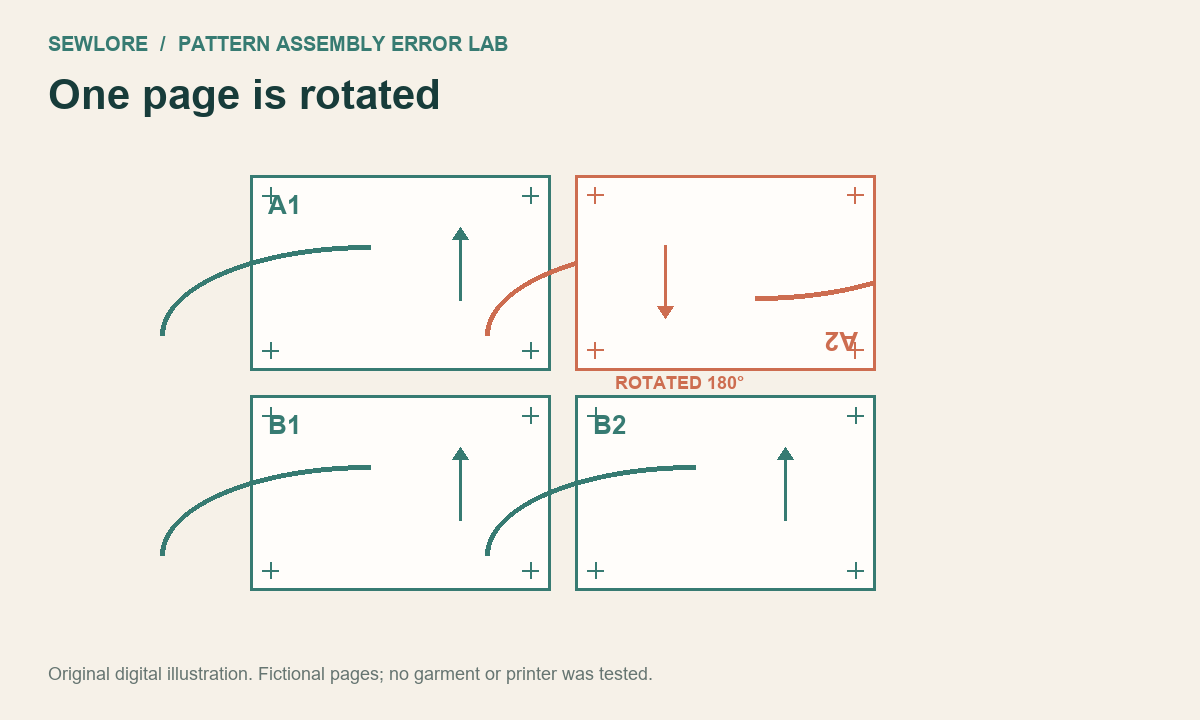
The outline nearly meets. Is that enough to tape?
The upper-right sheet in this digital example has been rotated 180 degrees. Its orientation marker and page label disagree with the map. A single segment can still look plausible. Rotating a required sheet back to the documented orientation is different from stretching or resizing it.
Next check: Restore the documented orientation and re-check all registration marks.
Reveal the reasoning
No. Re-check page identity, orientation and all registration marks.
03. A duplicate hides a missing tile
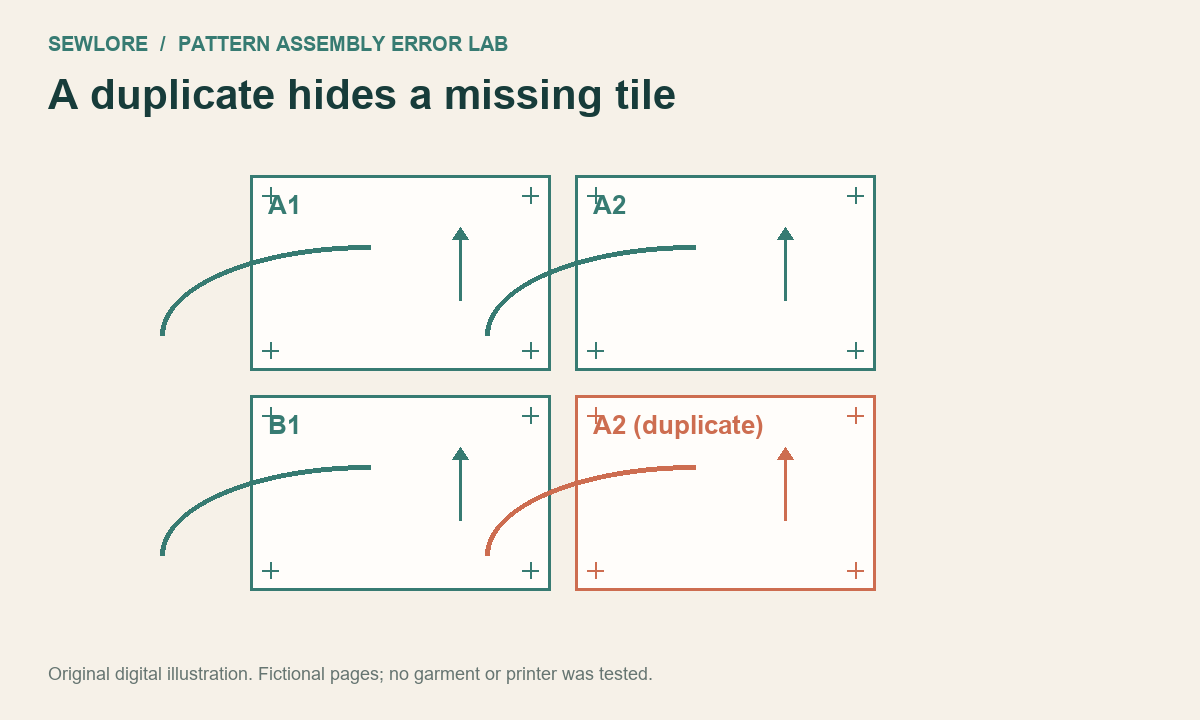
You have four sheets. Do you have the four required sheets?
Counting sheets alone misses a duplicate. This fictional set contains A1, A2, B1 and another A2; B2 is absent. Write the identifiers in a checklist. Do not infer a missing page from a nearly continuous outline or hand-draw the missing pattern geometry.
Next check: Replace the duplicate with the correct page from the same file and version.
Reveal the reasoning
No. The inventory must contain each required identifier exactly once.
04. Trim and overlap rules differ
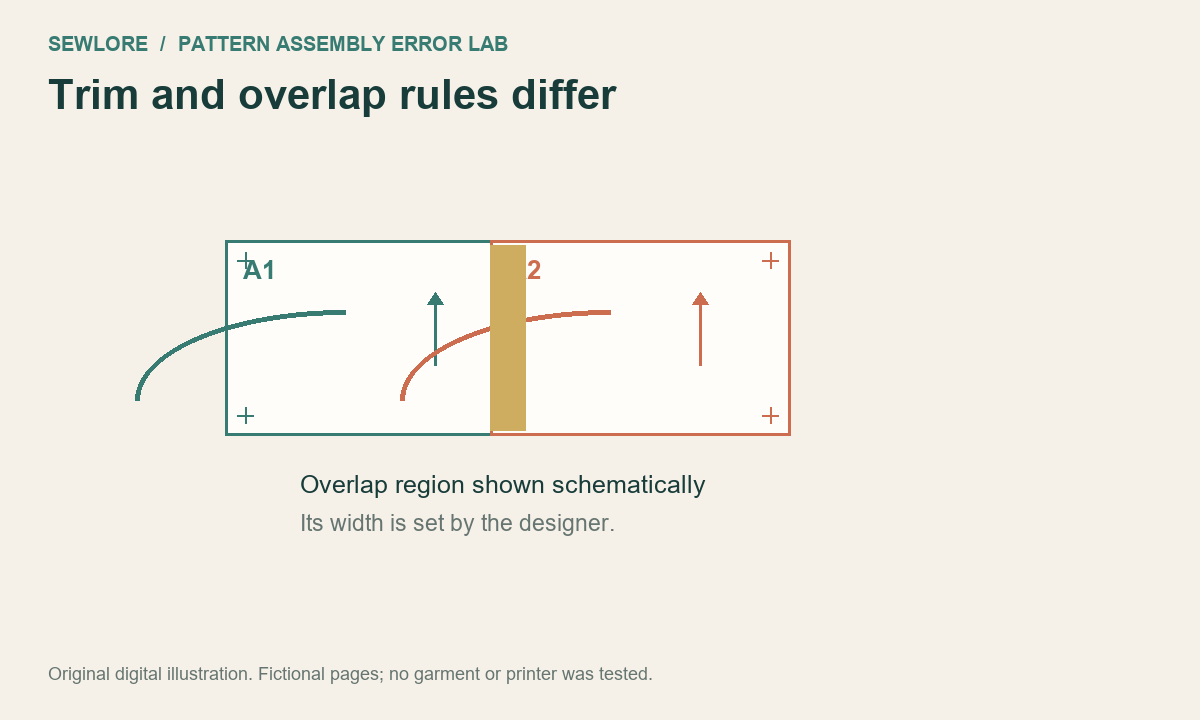
Should every PDF be assembled edge to edge?
Some designers ask you to trim a margin and overlap the neighbour; others use different conventions. The simplified diagram shows two printed registration marks with an overlap region. Paper edges are not a universal assembly reference, and this lesson does not prescribe a margin width.
Next check: Follow this pattern's own trimming and overlap instructions.
Reveal the reasoning
No. Use the designer's documented trim/overlap rule.
05. A curve seems broken
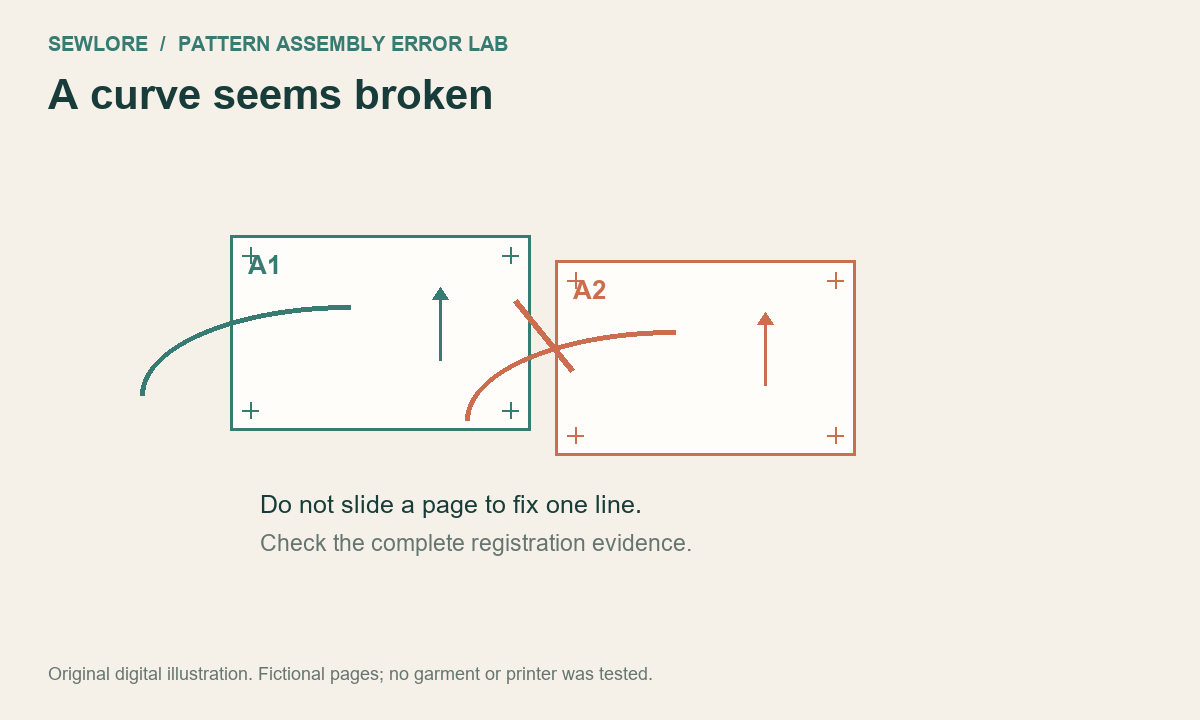
Should you move one page until the curve looks smooth?
First check the identifiers, orientation, print settings and registration marks. Sliding a sheet to smooth one curve can break other marks and alter the pattern. A pattern designer may deliberately draw different lines, such as a seam line, cutting line or size layer.
Next check: Identify the same named line on both pages; re-check the assembly evidence.
Reveal the reasoning
No. Do not use one curve as the only registration reference.
06. Paper edges are clipped
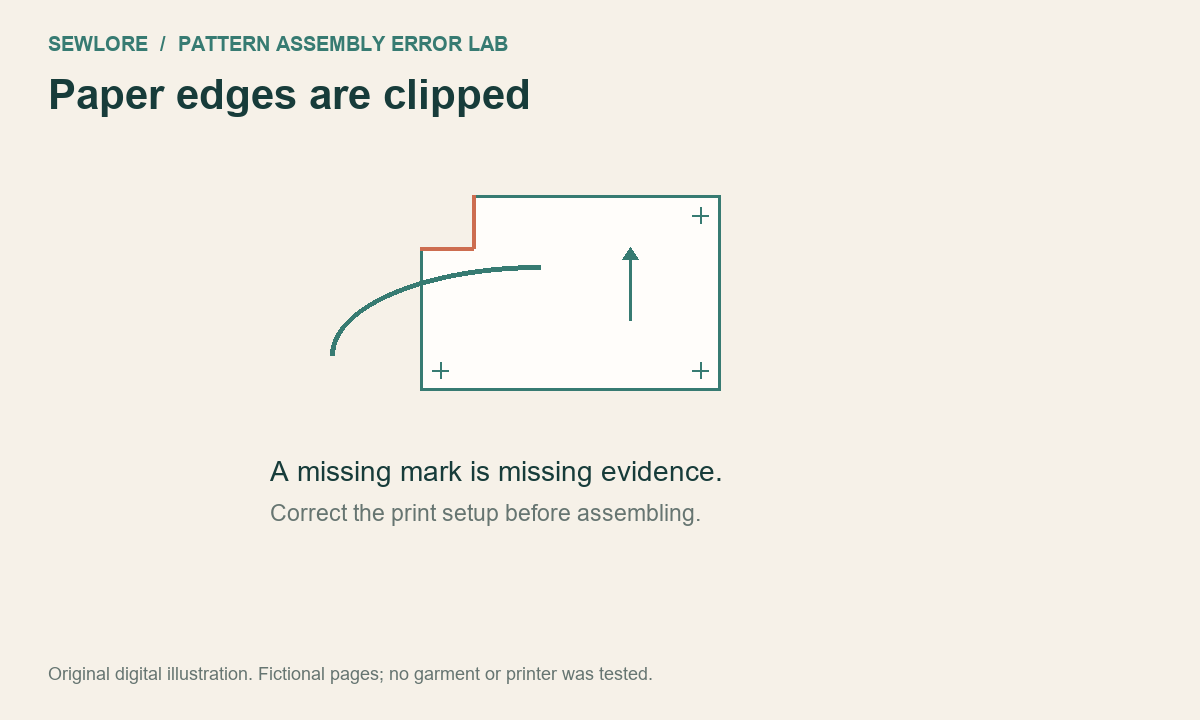
Can a cropped mark be recreated from memory?
A printer's non-printable area or incorrect paper selection may remove an alignment mark. This fictional image shows a missing corner mark. Moving sheets to compensate conceals the missing evidence. This is an illustration, not a test of a specific printer.
Next check: Revisit paper/print settings and the designer's guidance; reprint a test page if needed.
Reveal the reasoning
No. Restore the missing reference through the correct documented print setup.
07. Two revisions got mixed
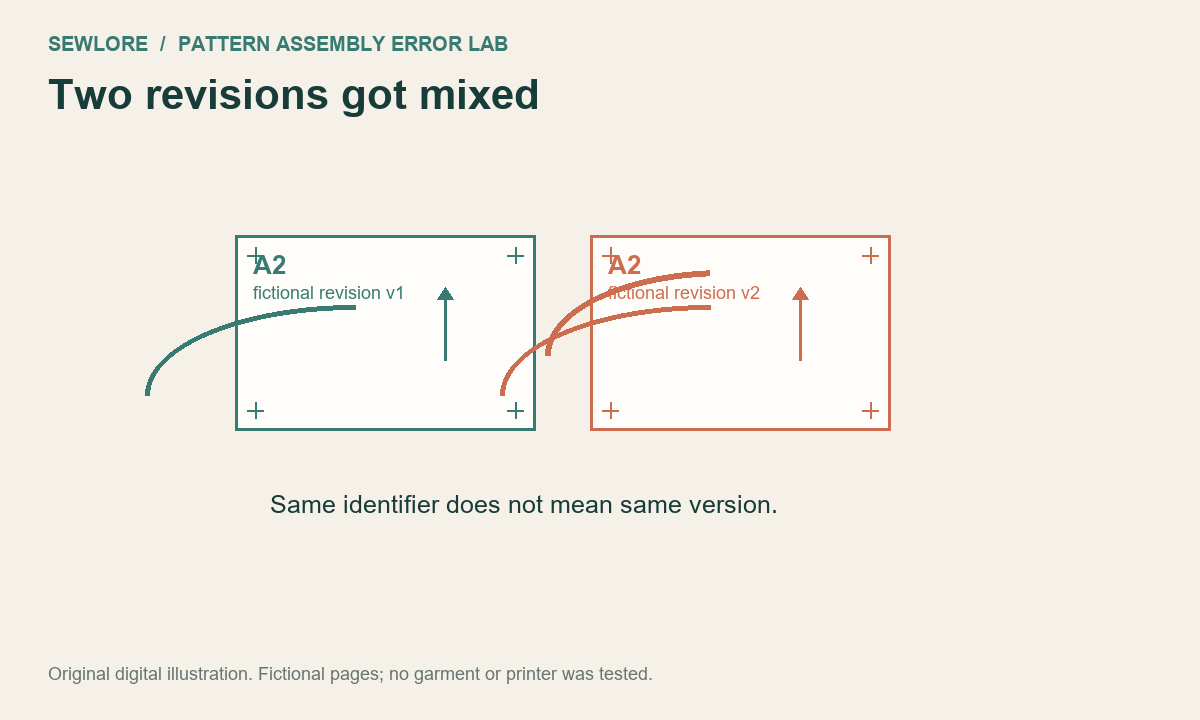
Both sheets say A2. Can they be exchanged?
Matching identifiers are not sufficient when the files have different revisions. A designer can change a line or page map between releases. Keep the file/version beside the inventory. The teal revision v1 and coral revision v2 in this digital example are invented to demonstrate the check.
Next check: Assemble one consistent pattern version and keep discarded revisions separate.
Reveal the reasoning
No. Confirm the same file/version and selected size or layer.
08. Separate assembly from fit
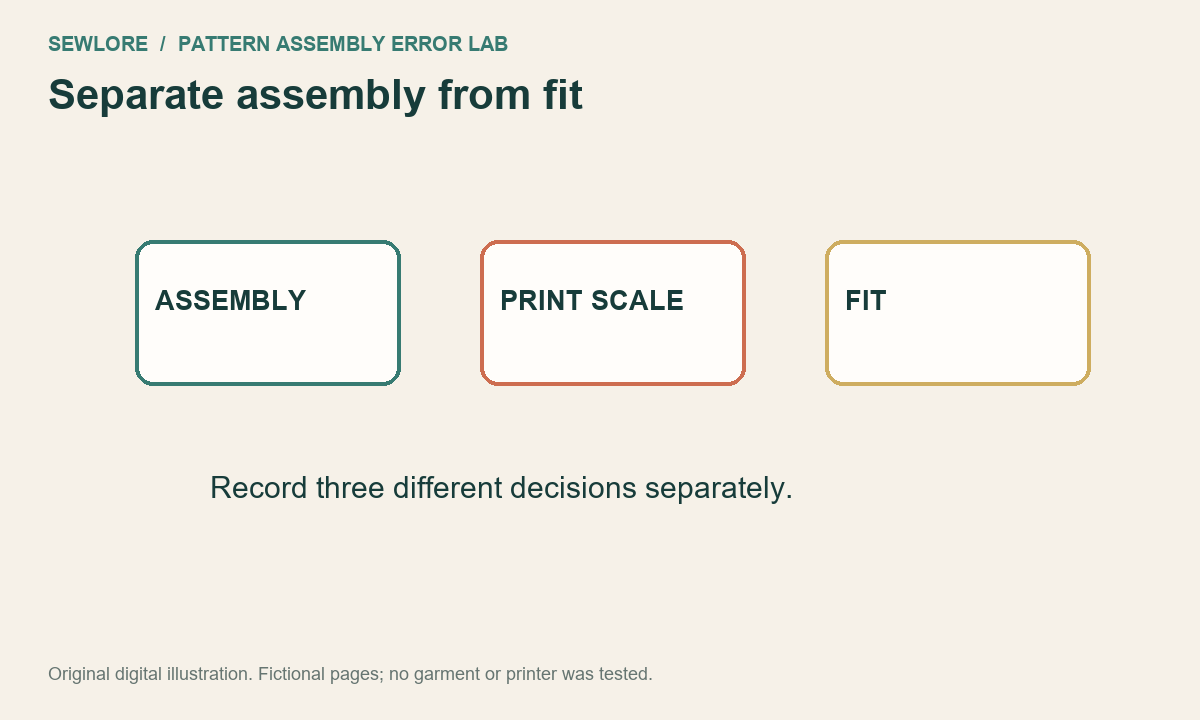
Will scaling the PDF to fit the fabric solve a garment-fit issue?
Page assembly, print scale, seam allowance, fabric behaviour and garment fit answer different questions. Do not resize a pattern merely to hide an assembly mismatch. Use the documented print setup; keep alteration and fitting decisions as a separate, traceable step.
Next check: Record the assembly result and unresolved issue before making any alteration.
Reveal the reasoning
No. Resolve assembly evidence before a separate fitting decision.
Continue with the relevant check
Printing and assembly guidance · Print scale checker · Check both printed dimensions
Original digital diagrams and educational text by Sewlore, October 2026. AI assisted drafting and implementation. MIT licence for the lesson materials.